
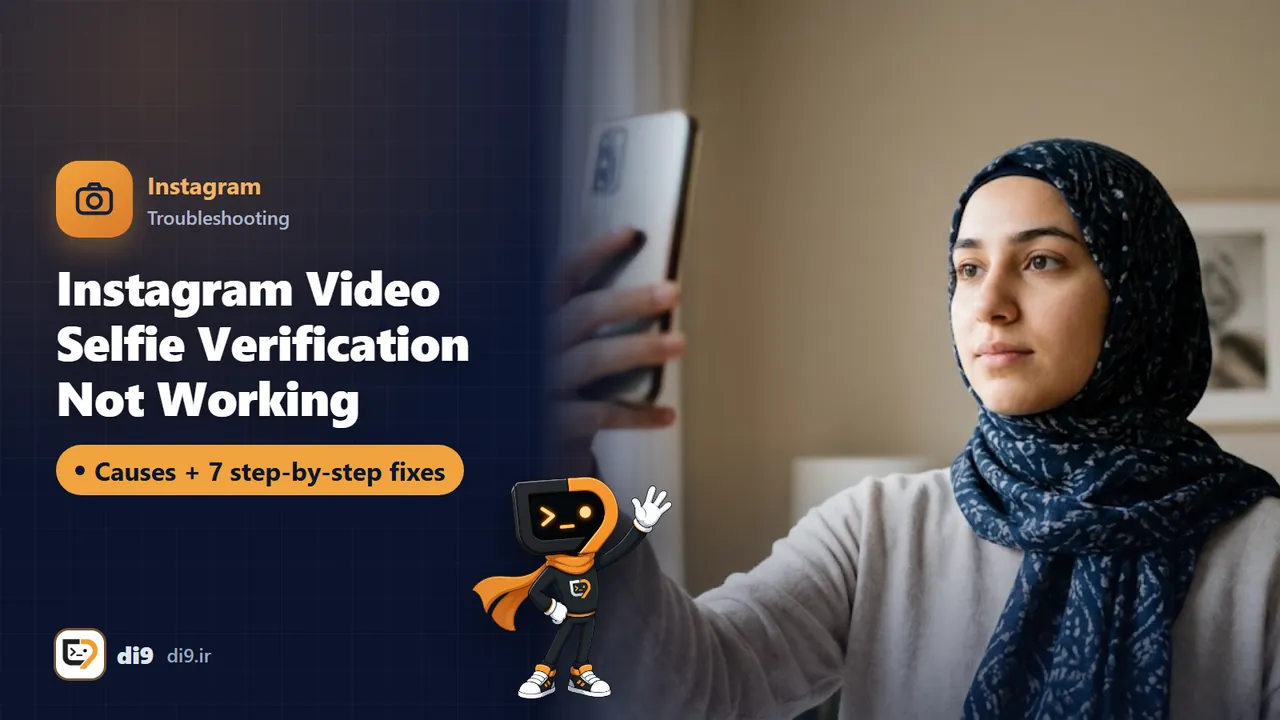
Instagram Video Selfie Verification Not Working: causes and fix
Quick answer: Instagram asks for a video selfie or ID when activity looks suspicious, so record it in good light without glasses or a hat in the latest app, then wait a few days before retrying.
Symptoms
- "Confirm you're a real person" or "Help us confirm it's you"
- You submit the video selfie, but the same screen comes back
- Instagram asks for a photo of your ID
- "We'll review your video" stays on screen and nothing happens
Likely causes
- Login from a new device or location, or a sudden IP address change
- Bot-like activity: lots of follows and unfollows, or third-party apps connected to the account
- The video selfie was too dark or incomplete and was rejected
- An old app version that doesn't show the verification step properly
- The review queue is long and your turn hasn't come yet
Step-by-step fix
Start from step one and test again after each step; steps go from the simplest to the most technical.
-
Update the Instagram app
Do the verification only in the official app, updated to the latest version. In a browser or an old version, the video step sometimes loads incompletely.
-
Record the video properly
Face natural light against a plain background, remove glasses, masks and hats, and turn your head slowly in the direction the arrows show. Hold the phone steady.
-
Use a stable connection
On weak internet the video upload stops halfway and the same screen returns. Use stable Wi-Fi, and if a VPN is on, don't switch servers during the process.
-
Photograph your ID clearly
If asked for ID, take a sharp, uncropped photo of a valid government document such as a national ID card, passport or driver's license. The name should match the name on the account.
-
Submit once, then wait
Review usually takes a few hours to a few days. Resubmitting again and again, or reinstalling the app, starts the process over.
-
Check your email
Results and follow-up requests go to the account's email, so check spam too. To tell real messages from fakes, use "Recent emails" under "Accounts Center > Password and security" in Instagram's settings.
-
Disconnect third-party apps
Remove follower trackers, "who unfollowed me" apps and schedulers in "Settings and activity > Website permissions > Apps and websites", then change your password.
If nothing worked
If weeks have passed since you sent the video or ID and the account is still locked, use the disabled-account form in the Instagram Help Center (help.instagram.com). Meanwhile, don't create a new account with the same email or phone number. Don't trust any "Instagram agent" who messages you in DMs or other apps, and never pay to get an account back; Instagram never asks for your password or login codes.
Frequently asked questions
Why does my video selfie keep getting rejected?
Usually it's low light, fast movement, part of your face being covered, or the upload dropping midway. Record in daylight with your whole face in the frame; Instagram says the video is used only for review and deleted afterward.
What if my account name doesn't match the name on my ID?
Instagram uses the ID to confirm a real person is behind the account, so your username doesn't need to match it. Send your own ID, and if it's a business or pen-name account, explain that it belongs to you.
Related problems
Instagram Account Suspended
A suspension means Instagram thinks you broke its rules and locked the account pending review, so tap "Disagree with decision" on the suspension screen before the stated deadline.
Instagram Story or Reels Not Uploading
An upload stuck on "Posting..." usually comes from unstable internet, a full cache or a heavy file, so switch networks, fully restart the app and delete the stuck draft.
Can't Sign In to Gmail
Most sign-in failures come from a wrong password, a 2-Step Verification code that never arrives, or an outdated browser. Try a device you've used before and tap "Try another way".
Terms used on this page
More Telegram, Instagram & WhatsApp problems
All problems Telegram, Instagram & WhatsApp
Last updated: