Your own photo, same faceUses your photoBefore & after4:5
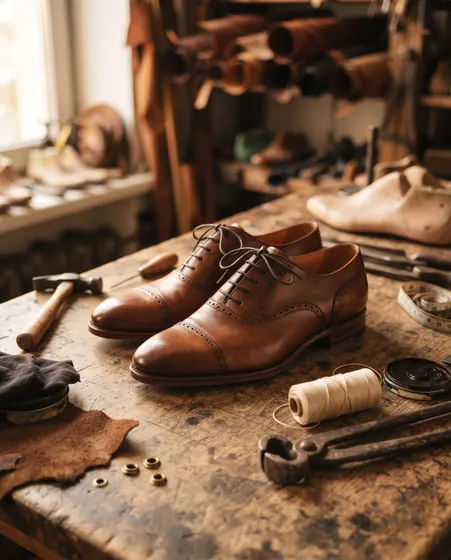
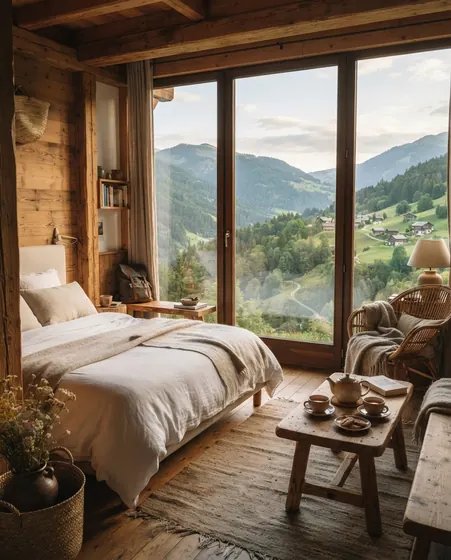
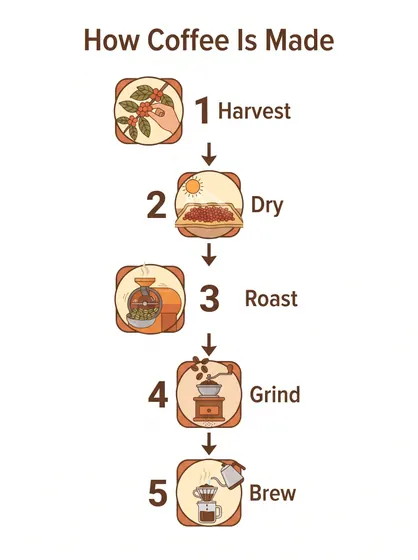
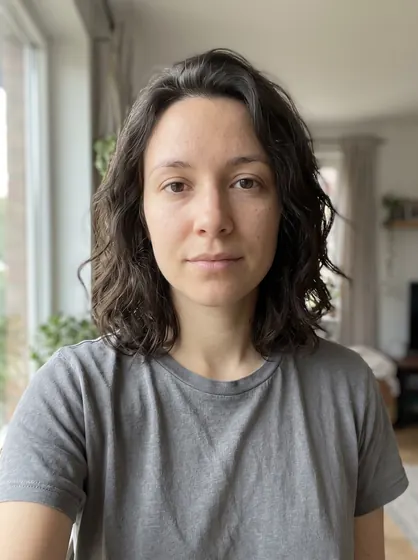
We tested every prompt in this gallery ourselves with Gemini (Nano Banana), and the image next to it is the actual output of that prompt, not a picture taken from somewhere else. Replace the parts in [brackets] with your own subject, copy the prompt and paste it into your image tool. Prompts labeled “uses your photo” edit an image you upload and come with a before-and-after example.


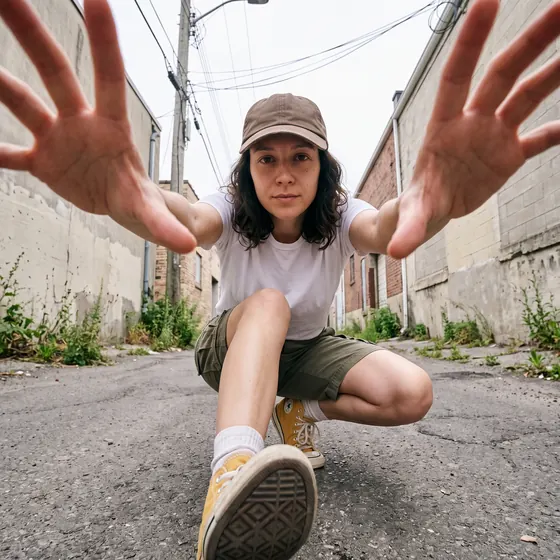


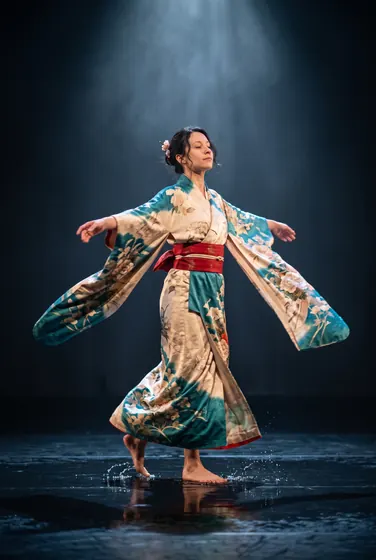


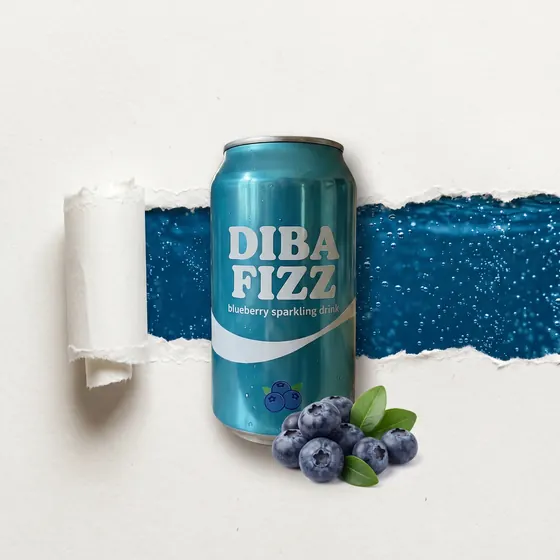


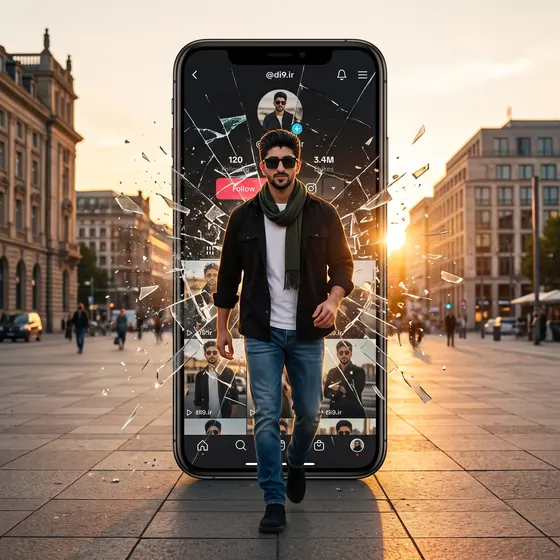


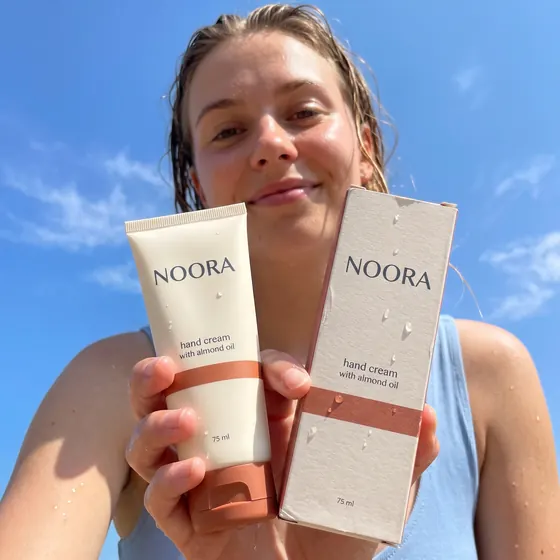


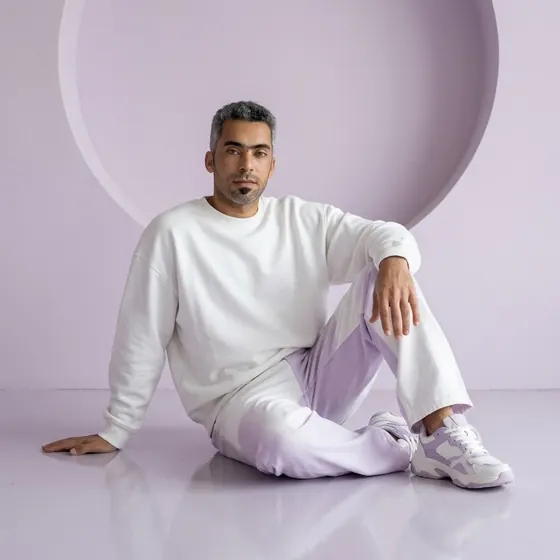


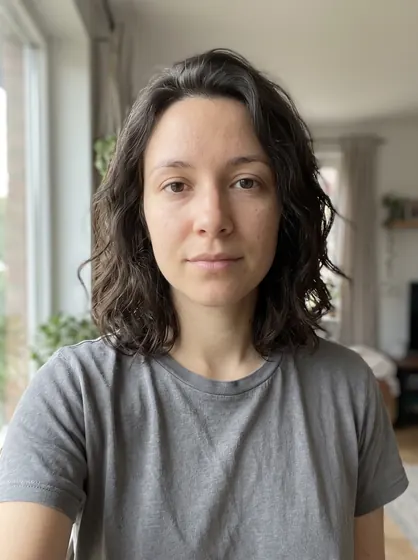


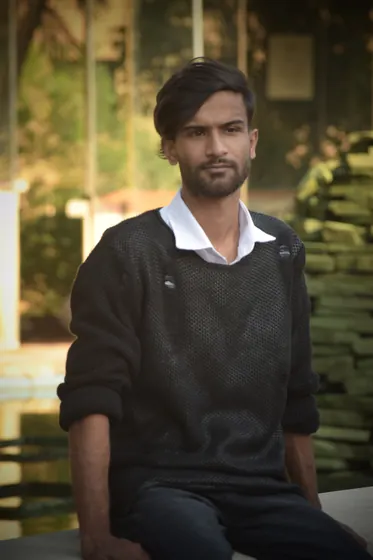
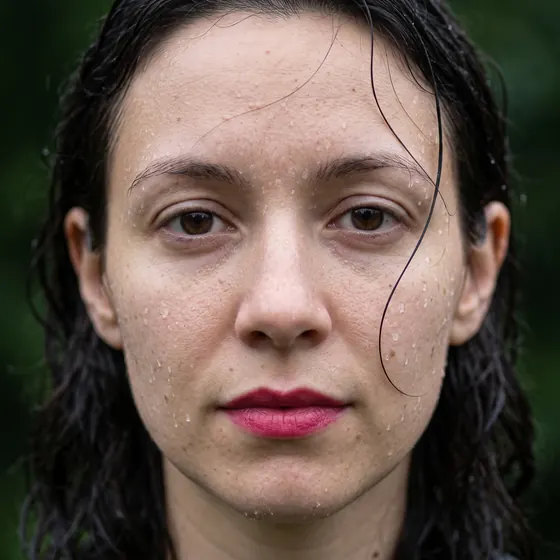






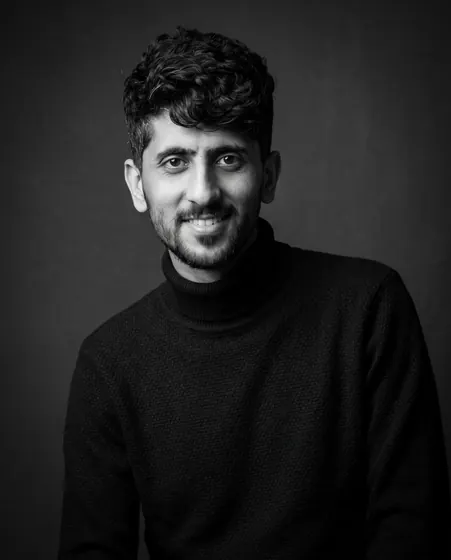





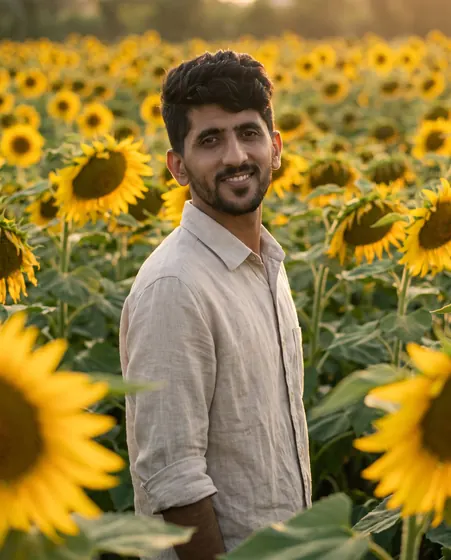











We tested every prompt with Gemini (Nano Banana), and the example image is its actual output. Prompts that don’t need a photo also give close results in ChatGPT image generation, Midjourney, Flux and Ideogram; “uses your photo” prompts need a tool that supports image editing, such as Gemini or ChatGPT.
These are the parts to replace with your own subject (product, outfit, place, text and so on). The “Copy prompt” button copies the text without brackets, so it works as-is even if you change nothing.
Keep the prompt itself in English — models are most precise with it. Only text that must appear inside the image (like a poster headline) should be written in its own language and in quotes; Nano Banana renders short Persian and Arabic text well.
The prompts are free to use however you like. Rights to the image you create depend on the tool’s terms; most allow commercial use. Always get permission before editing photos of other people, and never present a generated image as a real photo.